
eSIM for Apple Watch: What Works and What Does Not
You cannot install a travel eSIM on an Apple Watch. Here is what actually works instead.

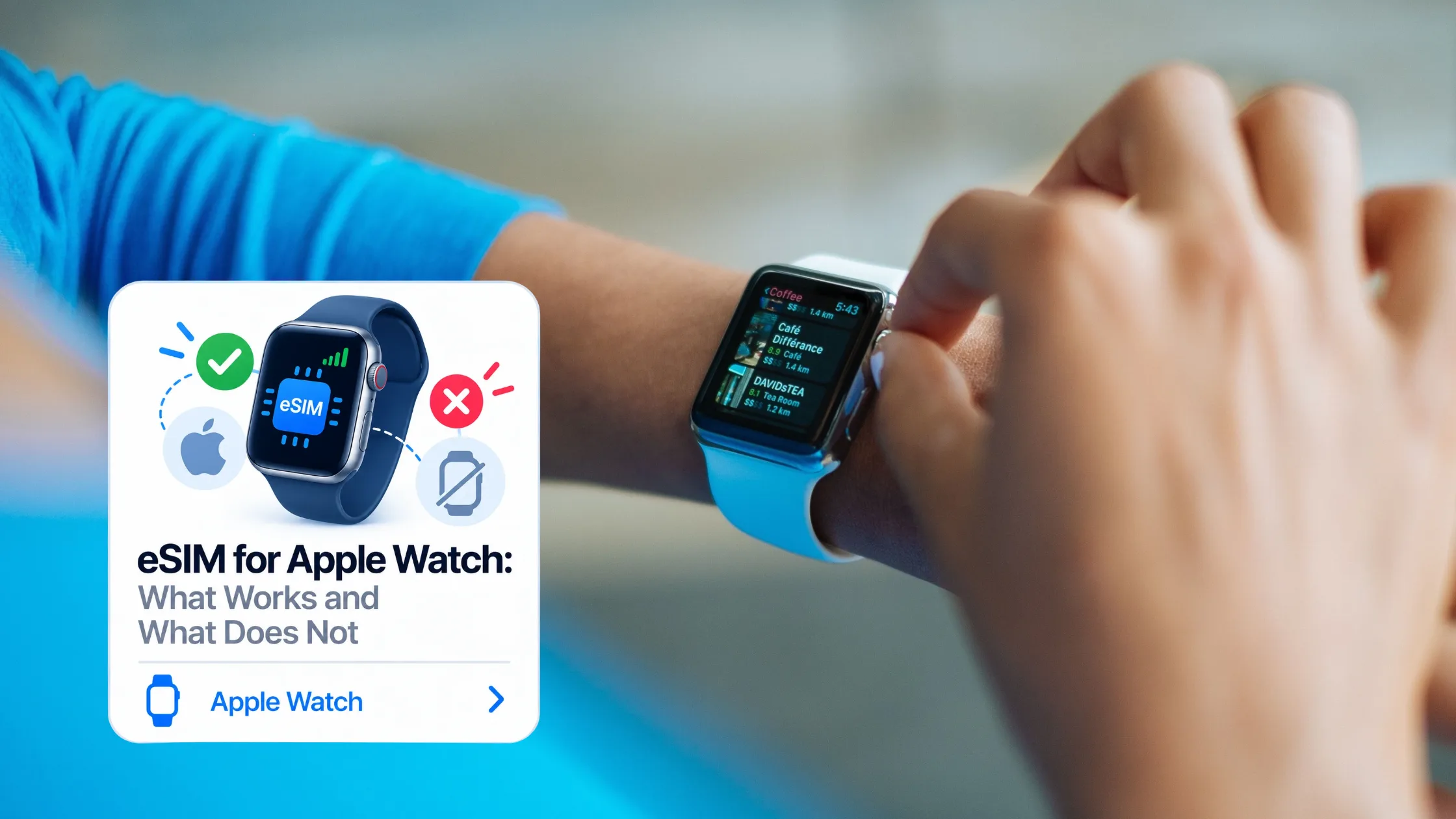
Short answer: you cannot install a travel eSIM on an Apple Watch. Not ours, and not anyone else’s. If a provider implies otherwise, check carefully before you pay.
That sounds like bad news, but the practical outcome is better than it looks. Your Apple Watch will still work abroad — messages, maps, calls over apps, music control, notifications — and the way to make that happen costs about a dollar. This guide explains why the Watch is different and what to do instead.
Why travel eSIMs do not work on Apple Watch
The Apple Watch does support eSIM, so the confusion is understandable. But Watch cellular is provisioned differently from iPhone cellular, and the difference is what blocks travel plans.
On an iPhone, you scan a QR code and the profile installs. On an Apple Watch, there is no way to scan a QR code or enter an activation code directly. Cellular is set up through the Watch app on your paired iPhone, and that flow only offers plans from carriers that specifically support Apple Watch. Apple’s own documentation states that your iPhone and Apple Watch must use the same carrier, with one exception for watches configured through Family Setup.
In other words, Watch cellular is an add-on to your existing carrier plan, not an open slot you can put any eSIM into. A travel eSIM has no way to enter that flow.
What about international roaming on the Watch?
It exists, but it comes from your home carrier rather than from a travel provider. Apple supports international roaming on Apple Watch Series 5 and later running watchOS 9.1 or newer, and the way to enable it is to contact your iPhone carrier and ask them to add the watch to your roaming plan.
Apple is explicit that not all carriers support international roaming on Apple Watch, and that coverage in other countries is determined by your carrier. So it is worth asking your carrier two questions before you travel: whether they support Watch roaming at all, and what it costs. For many carriers the answer to the first is no, and where it is yes, the price is usually the standard roaming rate, which is exactly what most travellers buy an eSIM to avoid.
What actually works: put the eSIM on your iPhone
Here is the part that makes the limitation mostly irrelevant. Your Apple Watch does not need its own connection when your iPhone is nearby.
The Watch connects to your paired iPhone over Bluetooth at roughly 10 metres, and falls back to Wi-Fi when Bluetooth is out of range but both devices are on a network your iPhone has used before. Through that link, the Watch uses your iPhone’s internet connection — and your iPhone’s internet connection can absolutely be a travel eSIM.
So the working setup for almost every traveller is:
- Install a travel eSIM on your iPhone before you fly.
- Keep your Apple Watch paired as normal.
- Carry both, as you already do.
With the phone in your pocket, the Watch behaves abroad exactly as it does at home. Notifications arrive, iMessage and WhatsApp work, maps and walking directions work on the wrist, Apple Pay works, and you can take calls through the Watch that are routed via the phone.
A travel eSIM for your iPhone starts at $0.99 for Turkey and $1.19 across most of Europe, which is a very small price for connecting both devices.
What you lose, and whether it matters
The one thing this setup does not give you is a Watch that works with the iPhone left behind. If you want to run without your phone and still get messages and maps on your wrist, you need genuine Watch cellular from your carrier, and you need them to support roaming in your destination.
Whether that matters depends entirely on what you do. For runners, swimmers and anyone who deliberately leaves the phone at the hotel, it is a real loss and worth calling your carrier about. For everyone else — people who carry their phone anyway while sightseeing, commuting or travelling for work — it changes nothing at all.
There is also a partial middle ground. The Watch can use Wi-Fi directly, without the iPhone nearby, but only on 2.4GHz networks that your paired iPhone has connected to before, and not on public networks that require a login page, subscription or profile. Most hotel and café Wi-Fi involves a login page, so this is less useful while travelling than it sounds. It works well at your accommodation once the phone has joined the network, and rarely anywhere else.
Setting it up before you fly
- Check your iPhone is eSIM-capable and carrier-unlocked. This takes half a minute — see the 30-second compatibility check. The Watch model does not matter for this setup.
- Buy and install the eSIM on the iPhone while you still have Wi-Fi at home. Installing is not the same as activating; most plans start their validity when they first connect abroad.
- Set the travel eSIM as your data line and turn off data roaming on your home line, so you keep your home number for SMS without paying roaming data charges.
- Leave the Watch paired. There is nothing to configure on the Watch itself — it follows the phone.
- If you want standalone Watch cellular abroad, call your carrier before you go, not after you land.
Sizing the plan is the only real decision left. Maps, messaging and notifications are light — roughly 300–500MB a day — and using the Watch does not add meaningfully to that, because it is the same traffic routed through the phone. Our data sizing guide has the numbers by trip length.
Frequently asked questions
Can I install a travel eSIM on my Apple Watch?
No. Apple Watch cellular is provisioned through the Watch app on your paired iPhone and only offers plans from carriers that support Apple Watch. There is no way to scan a travel eSIM QR code or enter an activation code on the Watch.
Will my Apple Watch work abroad?
Yes, as long as your iPhone is with you and connected. The Watch uses your iPhone’s connection over Bluetooth or Wi-Fi, so a travel eSIM on the phone keeps the Watch working normally.
Do I need a separate plan for my Apple Watch when travelling?
Only if you want the Watch to work with the iPhone left behind. Otherwise one travel eSIM on the iPhone covers both devices.
Can my Apple Watch use hotel Wi-Fi on its own?
Sometimes. The Watch needs a 2.4GHz network that your paired iPhone has already joined, and it cannot get through login pages or captive portals. Most hotel and café networks use a login page, so this works at some accommodation and rarely in public venues.
Does Apple Watch cellular roam internationally?
On Series 5 and later with watchOS 9.1 or newer, yes — but only if your iPhone carrier supports it and has added the watch to your roaming plan. Apple notes that not all carriers support this and that coverage abroad is determined by your carrier.
What about Family Setup watches?
A watch configured through Family Setup can use a different carrier from your iPhone, but it is still carrier-provisioned. Travel eSIMs remain unavailable for it.
The bottom line
Buy the travel eSIM for your iPhone, not your Watch. Keep the phone with you, and the Watch works abroad exactly as it does at home. Standalone Watch cellular is a carrier conversation, not an eSIM purchase — and for most travellers it is not one worth having.